
What you need to do
The practical activities and techniques you need to master – what to practice, what to get good at, and what to keep doing.

Sitemap and URL structure design
Define how content is organized into a hierarchy that users can navigate and search engines can crawl. Design clean, semantic URLs that communicate meaning before anyone clicks. Use card sorting results to inform groupings and labels. The sitemap is not a navigation menu – it is the underlying structure that makes navigation, breadcrumbs, and internal linking possible.

Card sorting and tree testing
Card sorting is a discovery method – give users labeled cards representing your content and ask them to group and label them. It reveals mental models you would never design from your own assumptions. Tree testing is the validation counterpart – give users tasks and a text-only hierarchy to navigate. Users who get their first click right are nearly 3× more likely to complete the task. Use both: card sorting to generate structure, tree testing to prove it works.

Microcopy and UX writing
Write the small text that guides users through your product – button labels, form instructions, error messages, empty states, tooltips, and onboarding copy. Three rules: be clear (no jargon, research-informed language), be concise (every extra word is cognitive load), be helpful (anticipate what the user is worried about). A single explanatory line on a checkout page can fix a major drop-off. Microcopy is where content design meets conversion.

Voice and tone definition
Voice is your product's personality – it stays the same everywhere. Tone adapts to context and the user's emotional state. Define your voice with a few clear principles (e.g. plainspoken, genuine, helpful) and then map tone variations across the user journey: onboarding is encouraging, error states are calm and direct, success states are brief. Write example sentences for each context so anyone on the team can write on-brand copy without guessing.

SEO and AI discoverability
Structure content so both search engines and AI systems can understand it. Use semantic HTML (article, section, nav, header) instead of generic divs. Add Schema.org structured data so machines know what your content means, not just what it says. AI crawlers don't render JavaScript – they only see raw HTML. Server-side rendering, clear heading hierarchies, and factual density make your content citable by both Google and ChatGPT.

Localization and internationalization planning
Design content to be adaptable from the start. Internationalization (i18n) means using translation keys instead of hardcoded strings, supporting Unicode and RTL layouts, and handling locale-specific date, number, and currency formats. English-to-German text expansion can reach 35% – your UI must accommodate it. Use pseudolocalization to test layout resilience before any real translation begins. Retrofitting i18n later costs 10× more than building it in.
Frameworks to know
The mental models and structured approaches that guide how you think about this skill – not rules to follow, but lenses to see through.
Dan Brown's 8 principles of information architecture
A practical design checklist for organizing content: treat content as living objects with attributes and lifecycles, limit choices per screen to reduce cognitive load, use progressive disclosure to reveal detail gradually, show examples of content inside categories, design every page as a potential entry point (front doors), offer multiple classification paths so different users find the same content their own way, keep navigation consistent, and build structures that can grow without breaking.

E-E-A-T
Google's framework for evaluating content quality: Experience (does the creator have first-hand experience with the topic?), Expertise (does the creator have the knowledge or skill for the topic?), Authoritativeness (is the creator or site a recognized authority?), Trustworthiness (is the content accurate, honest, and safe?). E-E-A-T isn't a ranking factor – it's the set of signals Google's quality raters use to evaluate search results. For product builders, E-E-A-T means: write from genuine experience, demonstrate expertise through depth and accuracy, build authority through consistent quality, and earn trust through transparency. Content that scores high on E-E-A-T is also the content that AI systems cite – because it's factual, well-structured, and clearly authored.
Good vs. bad
Common mistakes paired with what experienced practitioners do instead – and why the product builder approach changes the game.



Content design is the skill most teams skip and then wonder why their product feels confusing. They obsess over visual polish while buttons say 'Submit,' error messages blame the user, and the navigation mirrors an internal org chart nobody outside the company understands.
The shift is simple but uncomfortable: content comes first. Before you open Figma, write the words. The headline, the button label, the error message, the empty state. Real words, not lorem ipsum. When you design with real content, you discover that your three-column layout doesn't work because the actual copy needs two paragraphs, not a tagline.
For a product builder, content design is where PM thinking meets implementation. You understand the user's problem (PM skill), you decide what information they need and how to organize it (content design), and you build the semantic structure that serves both humans and machines (engineering skill). No handoffs, no 'the copywriter will fill this in later.'
AI makes content design more powerful, not less relevant. AI crawlers judge your content by its structure – semantic HTML, clear headings, factual density. If your content is well-designed, AI systems cite it. If it's a mess of generic divs and marketing fluff, it's invisible. Content design is now your AI distribution strategy.
Go deeper
Books to deepen your understanding beyond what fits on this page.
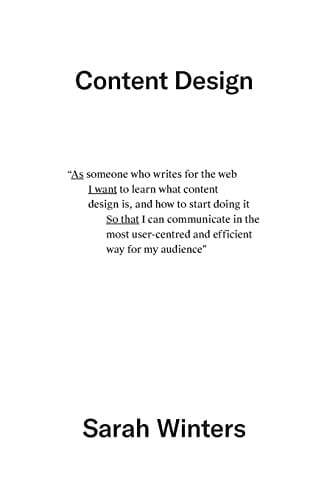
The foundational text on content design – using data and evidence to determine what content best serves user needs, from discovery through pair writing and crits.
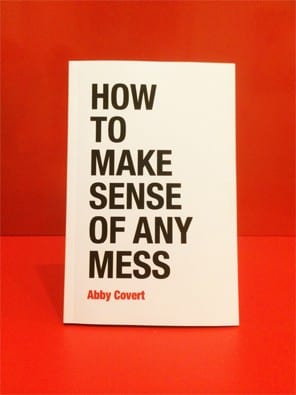
Information architecture for everyone – a practical, jargon-free guide to structuring and organizing information in any context.
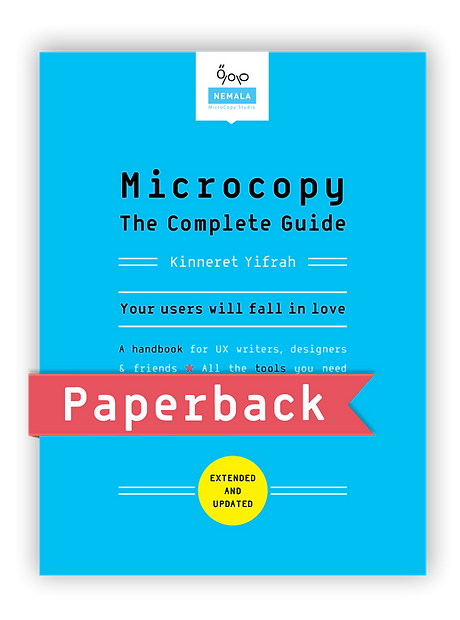
The comprehensive reference for UX microcopy – from button labels and error messages to voice, tone, and the psychology behind every word in the interface.
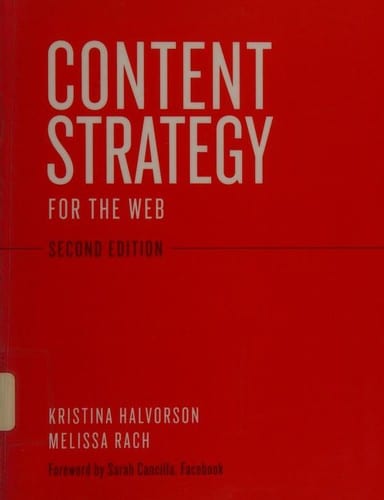
The industry-standard handbook for creating and executing content strategies – planning, governance, and making the case for content as a strategic asset.