Sketching
Exploring solution ideas through fast, rough drawings before committing to any direction. Sketching externalises thinking – making abstract ideas tangible enough to critique, compare, and discard – without the investment of a real prototype. The goal is volume and speed, not visual quality.
What you need to do
The practical activities and techniques you need to master – what to practice, what to get good at, and what to keep doing.

Fat marker sketching
Sketch UI concepts with deliberately thick strokes so fine detail is impossible to add. A fat marker forces you to communicate layout, hierarchy, and flow without getting pulled into pixel-level decisions. Ryan Singer (Shape Up): 'If you start with wireframes or specific visual layouts, you'll get stuck on unnecessary details and won't be able to explore as broadly as you need to.'
Breadboarding user flows
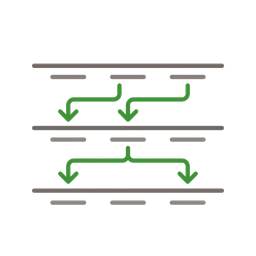
Map flows using only words and arrows – no visual design at all. Three elements: Places (screens or dialogs), Affordances (buttons, fields, interface copy), and Connection lines showing how affordances take the user from place to place. Breadboarding lets you play out an idea and judge whether the sequence of actions serves the use case – without debating colors, layout, or spacing.
Storyboarding user scenarios
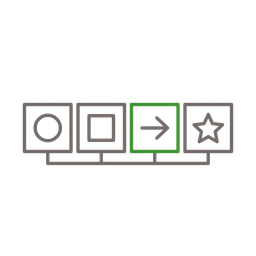
Draw sequential panels showing a user's experience across time – the context before, during, and after interacting with your product. Each panel has a simple visual and a short caption describing the user's actions, environment, and emotional state. Storyboards reveal gaps that screen-level sketches miss: where does the user come from? What happens after they close the app?
Whiteboard sketching as a team
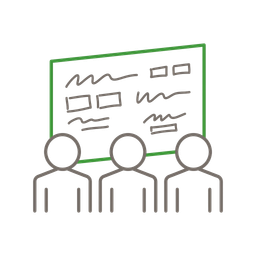
Grab the whole trio – PM, designer, engineer – and sketch together at a whiteboard. One person draws, others challenge and build on the idea in real time. The shared physical space forces alignment faster than any document. Whiteboards are disposable by nature, which keeps the fidelity low and the pace high. This is where the best ideas emerge – not in solo work, but in the energy of three perspectives colliding.
Idea selection and dot voting
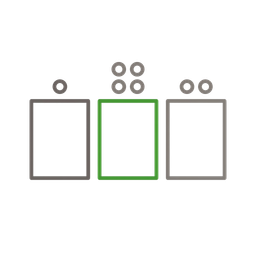
After generating dozens of sketches, the team needs to converge. Dot voting gives each person a fixed number of votes to place on their preferred ideas – silently, to prevent groupthink and the HIPPO effect (Highest Paid Person's Opinion). Follow with structured critique of top-voted ideas before committing. Selection is as important as generation.
Frameworks to know
The mental models and structured approaches that guide how you think about this skill – not rules to follow, but lenses to see through.
Design Sprint (Jake Knapp)
A structured 5-day process – Map, Sketch, Decide, Prototype, Test – where sketching drives the entire solution phase on day two. Each person sketches individually (no group brainstorming), then the team converges through structured critique and dot voting. The Sprint format proves that you can go from problem to tested prototype in a week – and that sketching, not discussion, is the fastest path to concrete solutions.
Mind mapping
A visual thinking technique for exploring solution space before committing to any direction. Start with the core problem in the center and branch outward – related concepts, constraints, user needs, technical possibilities, analogies from other products. Mind maps make the invisible connections between ideas visible. The structured divergence helps teams find the most promising areas to sketch first, and the visual format ensures everyone sees the same landscape of possibilities.
Good vs. bad
Common mistakes paired with what experienced practitioners do instead – and why the product builder approach changes the game.



Most product teams skip sketching entirely. They go from a problem statement straight to Figma, or worse, straight to code. The result is predictable: they build the first idea that comes to mind, discover its flaws halfway through implementation, and either ship something mediocre or start over. Ten minutes of sketching prevents weeks of rework.
The product builder advantage is that the same person who talks to users, sketches solutions, and writes code can iterate in minutes instead of days. No handoff between 'the person who had the idea' and 'the person who draws it' and 'the person who builds it.' You sketch a breadboard, realize the flow has a dead end, redraw it, and move on – all in one sitting.
My favorite way to sketch is standing at a whiteboard with the team. One person draws, others jump in, challenge the flow, suggest alternatives. A tablet with Apple Pencil or Samsung S Pen works just as well when you're remote or want to keep the sketch digital from the start. The tool doesn't matter – what matters is that everyone sees the same thing at the same time and can react immediately.
AI is changing what sketching means. You don't need to draw well – you never did, but now you really don't. Describe a concept to Claude or ChatGPT, get back a structured description or even a code prototype, evaluate it, and iterate. The skill isn't drawing. The skill is generating options fast enough that you can compare them before committing.
The most underrated sketching technique is breadboarding. No visual design at all – just words and arrows showing places, affordances, and connections. It strips away every aesthetic decision and forces you to think about what the product actually does. I use it more than any other technique because it works for PMs, designers, and engineers equally.
Go deeper
Books to deepen your understanding beyond what fits on this page.
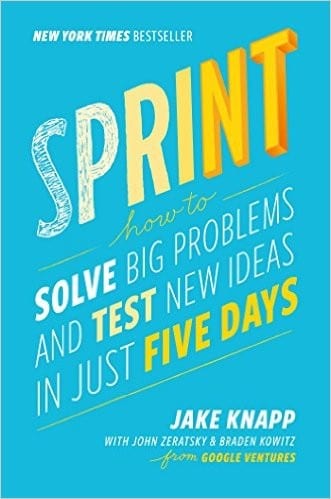
The design sprint methodology – a structured 5-day process where sketching drives the solution phase. Proven at hundreds of companies.
Fat marker sketches, breadboarding, and finding the right level of abstraction. Free to read online.
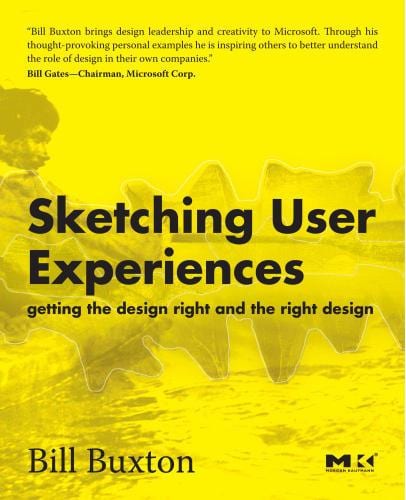
The theory of why sketching matters in design – the difference between suggesting (sketch) and describing (prototype).
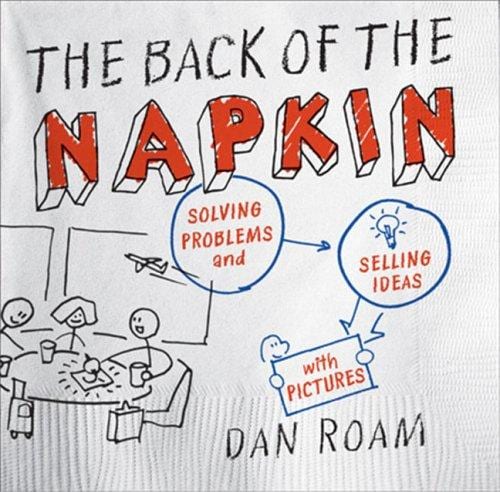
Visual thinking for problem-solving – proving that simple drawings on paper can be more powerful than any slide deck.