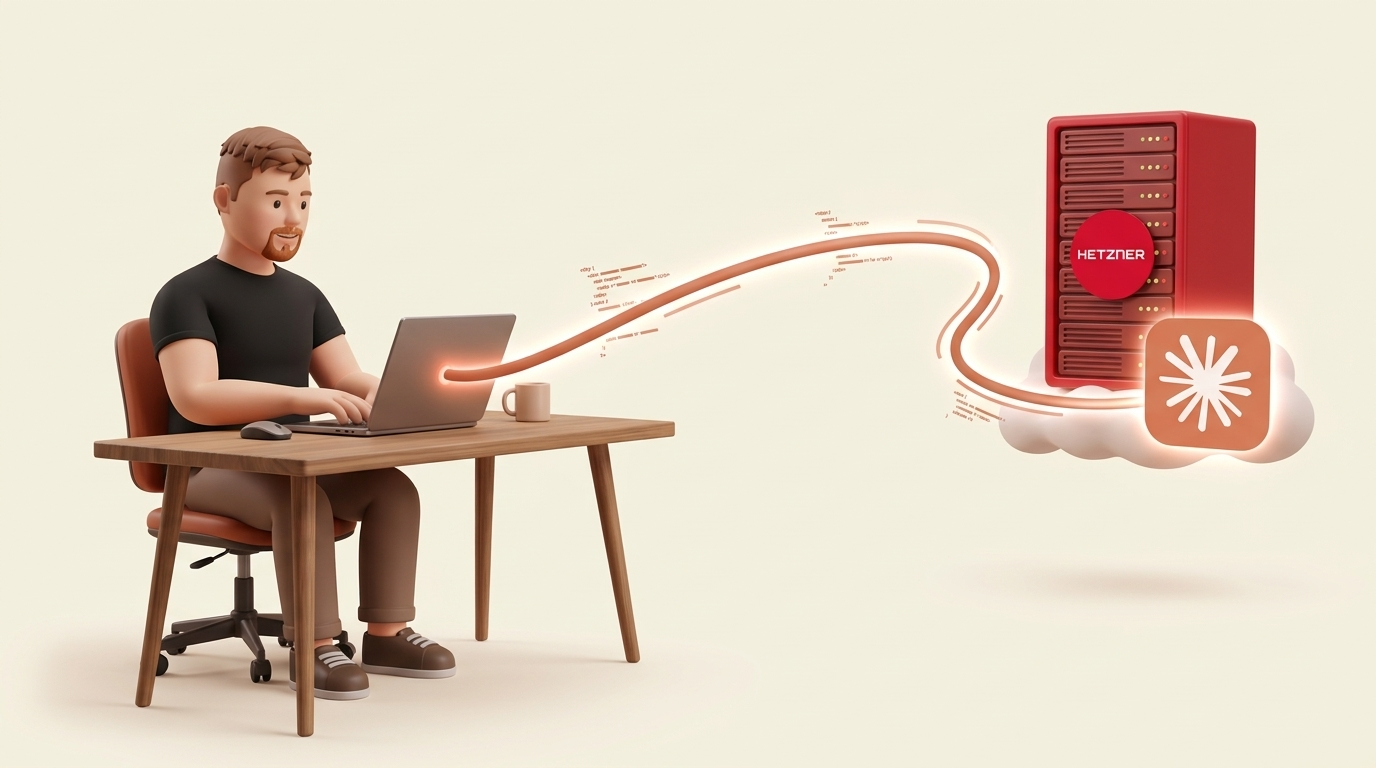
Claude Code is a CLI tool – it doesn't care where it runs. Your laptop, a server in a data center, a Raspberry Pi. But running it locally means your machine is the bottleneck: battery drain, fan noise, network latency to Anthropic's APIs, and the awkwardness of losing your session every time you close the lid.
Moving Claude Code to a VPS gives you a persistent, fast, always-on environment – for under 9 EUR per month. In this article, I'll compare VPS providers, ways to connect to Claude Code remotely, and design tools that work with this setup – with my exact configuration woven in along the way.
Choosing a VPS provider
What to look for
Three things matter for running Claude Code on a VPS:
- ARM instances – Claude Code is I/O-bound (waiting on API calls), not compute-bound. ARM instances are cheaper for equivalent specs, and every major tool – Bun, Node.js, Python, Docker – runs natively on ARM in 2026.
- Straightforward pricing – no surprise bandwidth charges, no per-second gotchas you didn't expect.
- Nearby regions – latency to Anthropic's API is similar from most locations, but you want low latency for your SSH connection. If you're in Europe, pick a European provider.
Provider comparison
Hetzner is my pick. Their CAX line (ARM Ampere) offers the best price-to-performance ratio in Europe – a CAX21 with 4 ARM cores and 8 GB RAM costs about 8.69 EUR/month, with 80 GB disk and a generous 20 TB of traffic included. ARM only available in Germany and Finland. Not sponsored – I just like good value.
OVHcloud is the cheapest on paper – their VPS-1 with 4 vCPUs and 8 GB RAM goes for about 3.85 EUR/month. But it's x86-64 only (no ARM), and bandwidth is capped at 400 Mbps. OVH also has a spotty reliability reputation after their 2021 data center fire.
Vultr offers wide EU coverage (8 locations) but no ARM instances. A comparable 4 vCPU / 8 GB x86 instance costs $40/month – nearly 5× more than Hetzner for equivalent specs. Similar story with DigitalOcean ($42/month, no ARM) and Linode/Akamai ($48/month, no ARM).
AWS Lightsail doesn't offer ARM (Graviton is only on full EC2). The 8 GB tier costs $44/month and only gives you 2 vCPUs – you can't even get 4 cores at this price point.
The gap is dramatic. Only Hetzner offers ARM VPS instances among these providers. On Hetzner, the CAX line costs about 40% less than the equivalent CPX line (x86-64) for the same core count and RAM. Since Claude Code spends most of its time waiting on API responses, not crunching numbers, ARM is more than enough. I've been running this setup for months – not once has the CPU been the bottleneck.
Setting up Hetzner
Create a CAX21 (4 ARM cores, 8 GB RAM) on Hetzner Cloud. Choose Ubuntu 24.04, add your SSH key during creation. That's it.
Before doing anything else, set up the firewall. Hetzner Cloud has a built-in firewall you configure directly in the console – no need to mess with ufw or iptables on the server itself.
In the Hetzner Cloud Console, go to Firewalls → Create Firewall and set these inbound rules:
- Allow UDP port 41641 from
0.0.0.0/0and::/0– this is Tailscale's WireGuard port - Drop everything else – no SSH, no HTTP, nothing
Apply the firewall to your server. The server is now invisible from the public internet except for the Tailscale UDP port.
For a step-by-step walkthrough with screenshots, see Hetzner's firewall documentation or this community guide on securing a Hetzner server with Tailscale.
Now install Tailscale. It's a WireGuard-based mesh VPN – your VPS gets a stable private IP (like 100.x.y.z) accessible only from your Tailscale network. It supports MagicDNS so you can refer to your server by name instead of IP. Free for personal use.
Before applying the firewall (or temporarily allowing SSH), connect to your server and run:
curl -fsSL https://tailscale.com/install.sh | sh
sudo tailscale up
Once Tailscale is running, you can SSH into the server using its Tailscale IP or MagicDNS hostname. Now apply the firewall rules above – SSH from the public internet will be blocked, but SSH over Tailscale still works because Tailscale traffic goes through the allowed UDP port.
The result: port scans from the internet see nothing useful. No brute-force attempts, no CVE-of-the-week anxiety. You can only reach the server through your Tailscale network.
Ways to connect to Claude Code on a VPS
Once you have a server, how do you actually interact with Claude Code running on it? There are several approaches.
tmux + SSH is the simplest and most reliable option. You SSH into the VPS, run Claude Code inside a tmux session, and detach whenever you want. The session keeps running even when you disconnect. Come back later, reattach, and Claude Code is exactly where you left it. The downside is it's terminal-only – no IDE integration.
VS Code Remote SSH gives you the full IDE experience. VS Code connects over SSH, runs extensions on the server, and makes the remote file system feel local. The integrated terminal runs on the server too, so you can run Claude Code there. It requires VS Code and uses some server resources for the extension host, but it's mature and reliable.
Claude Code remote control is a built-in feature designed for exactly this use case – connecting a local Claude Code instance to a remote one. Architecturally, it's the "right" solution, but as of early 2026 it's still buggy and unreliable. I expect it to get there eventually.
Third-party Claude Code UIs like claudecodeui wrap the CLI in a web interface you can access from any browser. Useful if you want browser-based access from any device, but you're relying on a third-party project that may lag behind CLI updates.
I use tmux + SSH combined with VS Code Remote SSH. tmux gives me persistent sessions that survive disconnects. VS Code gives me the full IDE experience when I need to browse code, run extensions, or work on design alongside Claude.
Setting up Claude Code, tmux, and VS Code
Install Claude Code and tmux on the server:
# Claude Code
curl -fsSL https://claude.ai/install.sh | bash

# tmux for persistent sessions
apt install -y tmux
Add whatever else your projects need – Bun, Docker, language runtimes.
Start a named tmux session and run Claude Code inside it:
tmux new -s claude
When you want to disconnect – close your laptop, go to sleep, whatever – just detach with Ctrl-b d. The session keeps running. Come back later with tmux attach -t claude and Claude Code is exactly where you left it. Mid-conversation, mid-task, everything preserved.
For the IDE experience, install the Remote - SSH extension in VS Code. Add your VPS to ~/.ssh/config:
Host vps
    HostName your-server-name
    User root
If you're using Tailscale with MagicDNS, the hostname is just the machine name from tailscale status. Connect from VS Code's command palette: "Remote-SSH: Connect to Host" → select your server.
You get the full VS Code experience – file explorer, terminal, extensions, debugging – as if the code were local. The terminal runs on the server, so you can run Claude Code there too.
Bonus: Claude Code from your phone
This is where the setup gets fun. Install Tailscale on your phone, then use an SSH app – Termius, Blink Shell on iOS, JuiceSSH on Android – to connect to your VPS. Run tmux attach and you're back in your Claude Code session.
The trick is to use a dictation keyboard so you can talk to Claude Code instead of typing on a tiny screen. Whisper Flow and Dictate Keyboard both work well for this. You end up having a voice conversation with Claude Code from your couch, your commute, wherever.
Designing with agents
If you're building products – not just writing backend code – you need a design tool that plays well with your AI coding setup.
Pencil.dev is a VS Code extension that lets you design in a side panel, with .pen files stored right in your project directory. It's the only tool I've found that lives inside the editor and keeps design files version-controlled alongside code. With Remote SSH, the extension UI runs on your local machine while the files live on the server – no browser tabs, no export/import dance, no context switching.
Figma + MCP is the industry standard for design, and its MCP server lets Claude Code read designs directly from Figma files. The collaboration features are unmatched, but it's browser-based and separate from your code – you're always switching context between Figma and your editor.
Stitch (stitch.withgoogle.com) is Google's AI design-to-code tool, tightly integrated with Material Design. Promising if you're in the Google ecosystem, but web-only.
Paper (paper.design) is a newer collaborative design tool built for the AI era. Still early stage, but worth watching.
I use Pencil.dev. Install the extension in VS Code, open any .pen file in the side panel, and you have your designs right next to your code. With Remote SSH, you see the designs locally, edit them locally, but they're version-controlled alongside your code on the VPS.
What this costs
| Item | Cost |
|---|---|
| Hetzner CAX21 (4 cores, 8 GB) | ~8.69 EUR/mo |
| Claude subscription | from $20/mo (Pro) to $100+/mo (Max) |
| Tailscale | Free (personal) |
| VS Code + extensions | Free |
| Total | ~$110/mo with Max |
The VPS itself is almost a rounding error – the real cost is the Claude subscription. But compare the total to GitHub Codespaces, which charges about $0.18/core-hour. A 4-core machine running 8 hours per day costs roughly $43/month on top of your AI subscription – and you don't get persistent sessions outside those hours.
Wrapping up
Running Claude Code on a VPS is one of those setups that feels like overkill for about five minutes – until you close your laptop without losing a session for the first time.
The combination of Hetzner ARM (cheap, fast enough), Tailscale (secure, zero-config VPN), tmux (persistent sessions), VS Code Remote SSH (native editing), and Pencil.dev (design alongside code) creates a workflow that's genuinely better than local development for AI-assisted coding.
As someone who bridges product and engineering, I want tools that stay out of my way. This setup does exactly that – and the VPS part costs less than two coffees a month.